
Accepting contactless payments with a card machine can be simple and beneficial for your business. First, understand the technology; it uses NFC or RFID, letting customers tap their cards or phones near the terminal. Make sure to have a compatible card reader with the contactless symbol and choose a payment processor like Square or PayPal. When setting up, select your provider and install necessary software. Inform customers that you accept contactless payments at checkout. During transactions, they simply hold their device near the reader until it's confirmed by a beep. This method speeds things up while ensuring safety through tokenization and fraud protection measures.
1. Understand Contactless Payment Technology
Contactless payments by a card machine in the UK are a modern method that lets customers complete transactions without the need to physically swipe or insert their cards. Instead, they can simply tap their card or smartphone close to a compatible terminal. The technology behind this convenience primarily relies on Near Field Communication (NFC) or Radio Frequency Identification (RFID). NFC allows devices to communicate when they are within a few centimeters of each other, making transactions quick and efficient. For instance, when a customer taps their card on a payment terminal, the terminal reads the card’s embedded chip via NFC, processing the payment almost instantly. This technology not only streamlines the checkout process but also enhances the overall shopping experience for customers, making it a preferred choice in today’s fast-paced retail environment.
2. Equipment Required for Contactless Payments
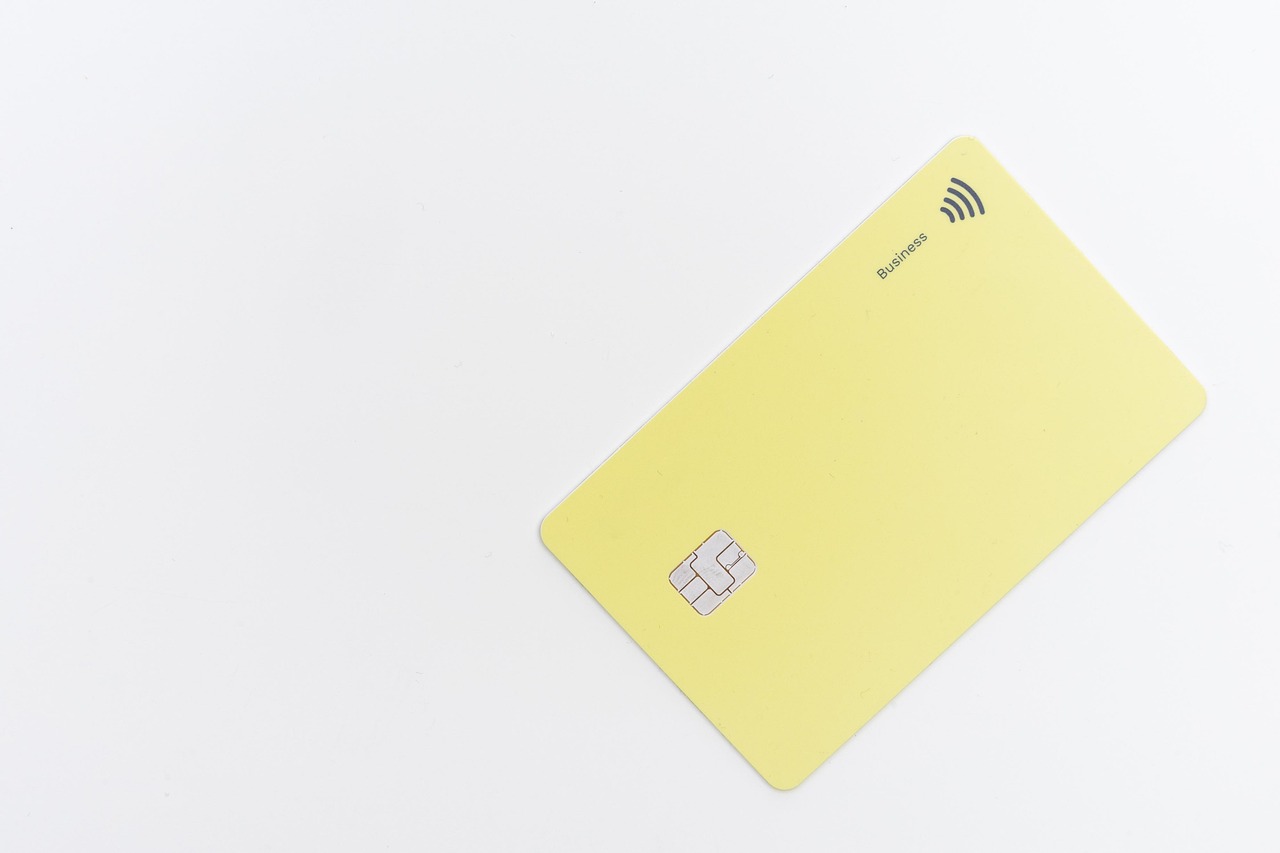
To start accepting contactless payments, you need specific equipment designed for this technology. First and foremost, a contactless card reader is essential. This device should have Near Field Communication (NFC) capabilities, which allows it to communicate with contactless cards and mobile wallets. Look for the contactless payment symbol, which resembles four curved lines, on the device to confirm its compatibility.
Next, you’ll require payment processing software that can handle contactless transactions. Popular options include Square, PayPal, and Clover. These services not only facilitate the transactions but also help manage sales, inventory, and customer data.
In addition to a card reader and software, consider integrating mobile payment apps. Many customers prefer using their smartphones for payments through wallets like Apple Pay, Google Pay, or Samsung Pay. By supporting these mobile payment options, you cater to customer preferences and enhance their shopping experience.
3. Setting Up Your Payment System
To start accepting contactless payments, you first need to choose a reliable payment processor that suits your business needs. Look for one that offers competitive rates and has a good reputation for customer service. Next, acquire a contactless card reader that supports both chip and NFC payments. Make sure it has the contactless symbol on it, indicating its compatibility. Once you have your reader, download any necessary software or apps that link your payment system to the card reader. Follow the setup instructions carefully, ensuring that your system is integrated properly. Testing the system before going live will help to identify any issues that might arise, ensuring a smooth transaction process for your customers.
4. Engaging with Customers During Transactions
Engaging with customers during transactions is vital for creating a positive experience. Start by informing customers that you accept contactless payments. A simple sign at your register can go a long way. When a customer approaches, greet them and mention the option for contactless payment, making sure they feel comfortable with the process.
During the transaction, guide them through the steps. For instance, you can say, "Just hold your card or phone near the reader, and you’ll hear a beep when it’s successful." This not only reassures them but also speeds up the process.
After the transaction, take a moment to thank the customer for their purchase and encourage them to use contactless payments in the future. This personal touch not only enhances their experience but also builds loyalty.
You can also engage by asking if they found the process easy or if they have any questions. This feedback can provide insights into how to improve your service. Overall, a friendly and informative approach can make contactless transactions more enjoyable for your customers.
5. Implementing Security Measures
To ensure safe contactless transactions, implementing robust security measures is essential. One key feature is tokenization, which replaces sensitive card information with a unique token for each transaction. This means that even if data is intercepted, it cannot be used fraudulently since it lacks the actual card details.
Additionally, many contactless payment systems enforce transaction limits—usually between $50 and $100—beyond which a customer must enter a PIN. This adds another layer of security, especially for larger purchases.
It's also crucial to monitor transactions regularly for any unusual activity. Merchants should have systems in place to detect potential fraud and respond quickly to any suspicious occurrences. For instance, if a card is used in multiple locations within a short time frame, it might raise a red flag.
Lastly, keeping your payment software updated is vital. Regular updates help protect against new security vulnerabilities, ensuring that your system remains secure against evolving threats.
6. Benefits of Accepting Contactless Payments
Accepting contactless payments brings several advantages to businesses. First, it significantly speeds up transactions, allowing customers to complete their purchases in seconds. This efficiency helps reduce wait times, which can enhance customer satisfaction and encourage repeat visits.
Moreover, many consumers prefer the convenience of contactless payments. With a simple tap of their card or smartphone, they can make purchases without fumbling for cash or entering a PIN for smaller amounts. This preference is especially relevant among younger generations who are accustomed to digital payment methods.
Additionally, contactless payments help minimize physical contact between customers and staff. This feature became increasingly important during the pandemic, as many consumers sought safer ways to shop. By offering this option, businesses can demonstrate their commitment to safety and hygiene, potentially attracting more customers.
For example, a coffee shop that implements contactless payments may notice shorter lines during the morning rush, leading to increased sales and happier customers. Overall, the benefits of adopting contactless payment methods can significantly enhance the overall customer experience and contribute to business growth.
- Faster transaction times
- Enhanced customer convenience
- Reduced physical contact during payments
- Increased sales opportunities
- Improved customer satisfaction
- Access to new customer demographics
- Streamlined payment processes
7. Challenges in Accepting Contactless Payments
Accepting contactless payments comes with its own set of challenges. First, there are initial setup costs involved in acquiring new equipment and software, which can be a barrier for small businesses. For example, a small café may need to invest in a new card reader that supports NFC technology, along with the necessary software to process these payments.
Another challenge is consumer awareness. Not all customers are familiar with contactless payment methods, which can lead to confusion at the point of sale. Staff training becomes crucial here; employees need to be well-informed about how contactless payments work and how to assist customers who may be hesitant to use them. For instance, a customer might hesitate to tap their phone at the register if they’ve never done it before. Ensuring that staff can confidently guide them can make a significant difference in the adoption of this payment method.
8. Best Practices for Smooth Transactions
To ensure smooth transactions when accepting contactless payments, training your staff is essential. Employees should be well-versed in how contactless payments work and be able to assist customers who may have questions. For instance, if a customer is unsure about how to use their card or mobile wallet, staff should confidently guide them through the process.
Promoting awareness at your point of sale can also enhance the customer experience. Consider using clear signage to inform customers that contactless payments are accepted. This can encourage more people to use this convenient payment method. Examples of signage could include "Tap to Pay" or "Contactless Payments Welcome Here!".
Regularly updating your payment software is crucial for maintaining security and efficiency. Ensure that your system is running the latest version to protect against vulnerabilities. This not only safeguards customer information but also helps in providing a seamless transaction experience. Regular checks on your card reader and payment processor will help identify any issues before they affect sales.
Frequently Asked Questions
1. What is a contactless payment?
A contactless payment is a way to pay for things without having to swipe or insert your card. You can just tap your card or mobile device near a payment terminal.
2. How do I set up a card machine for contactless payments?
To set up a card machine for contactless payments, you need to follow the instructions provided by the manufacturer. Usually, you'll connect the machine to your internet or phone line and enable the contactless feature in the settings.
3. Which cards can be used for contactless payments?
Most credit and debit cards that have the contactless symbol can be used for contactless payments. This includes cards from major banks and payment networks.
4. Can I use my phone for contactless payments?
Yes, most smartphones allow you to make contactless payments. You just need to set up a mobile wallet app, like Apple Pay or Google Pay, and link your credit or debit card to it.
5. What do I do if my card machine isn't accepting contactless payments?
If your card machine isn't accepting contactless payments, first check if the feature is enabled. If it is, try restarting the device. If the issue persists, contact your provider for assistance.
TL;DR This guide outlines how to accept contactless payments with a card machine, covering topics such as understanding the technology, required equipment, setup, engaging customers, implementing security measures, benefits, challenges, and best practices for smooth transactions.
Resource URL: